Media Files Database
A searchable media-asset database over terabytes of store-video b-roll living in Dropbox — turning an unmanageable file dump into an indexed, queryable catalog the team can actually find footage in. An AI vision pipeline tags every clip, renames it to a structured convention, and writes it to a faceted library behind a single-sign-on team portal.
What was broken
Terabytes of product and store b-roll piling up in Dropbox with meaningless filenames and no structure. Editors couldn't find the clip they needed without scrubbing through folders by hand — the archive grew faster than anyone could remember what was in it, and the same shots got re-filmed because no one could locate the originals.
What I built
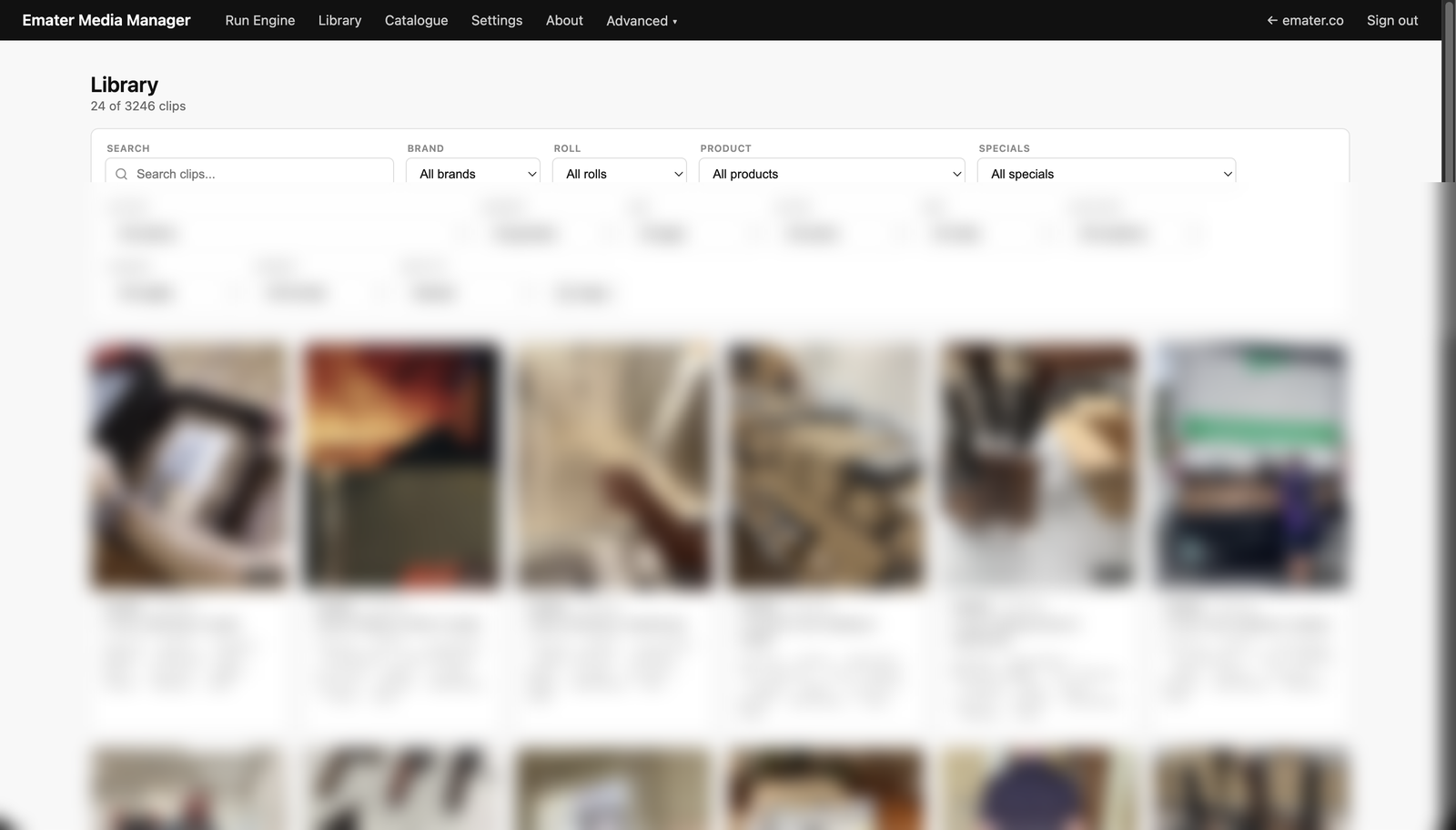
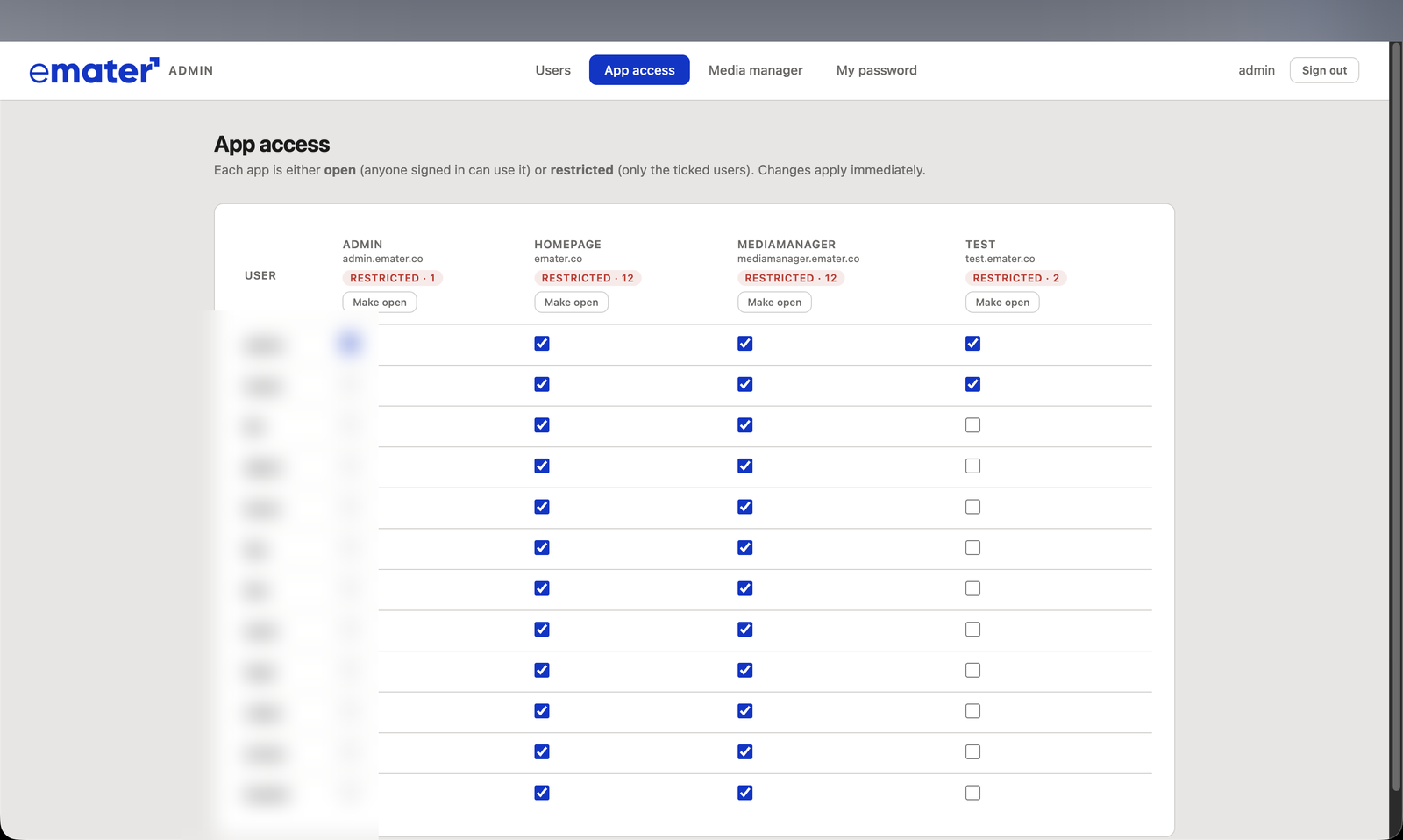
An end-to-end media catalog. A tagging engine points at any Dropbox folder, runs vision analysis on every clip, and extracts a structured metadata record — brand, product, action, people, setting, shot type, colours, aspect ratio and more — then renames each file to a consistent convention and writes it all to a searchable library. On top sits a faceted search UI and a single-sign-on team portal with per-app access control, so the right people get the right tools.
What changed
Thousands of clips became queryable in seconds. Instead of scrubbing Dropbox, editors filter the library by attribute and pull the exact footage they need — with consistent naming across the whole archive and self-serve search that scales as more video lands.
Walkthrough
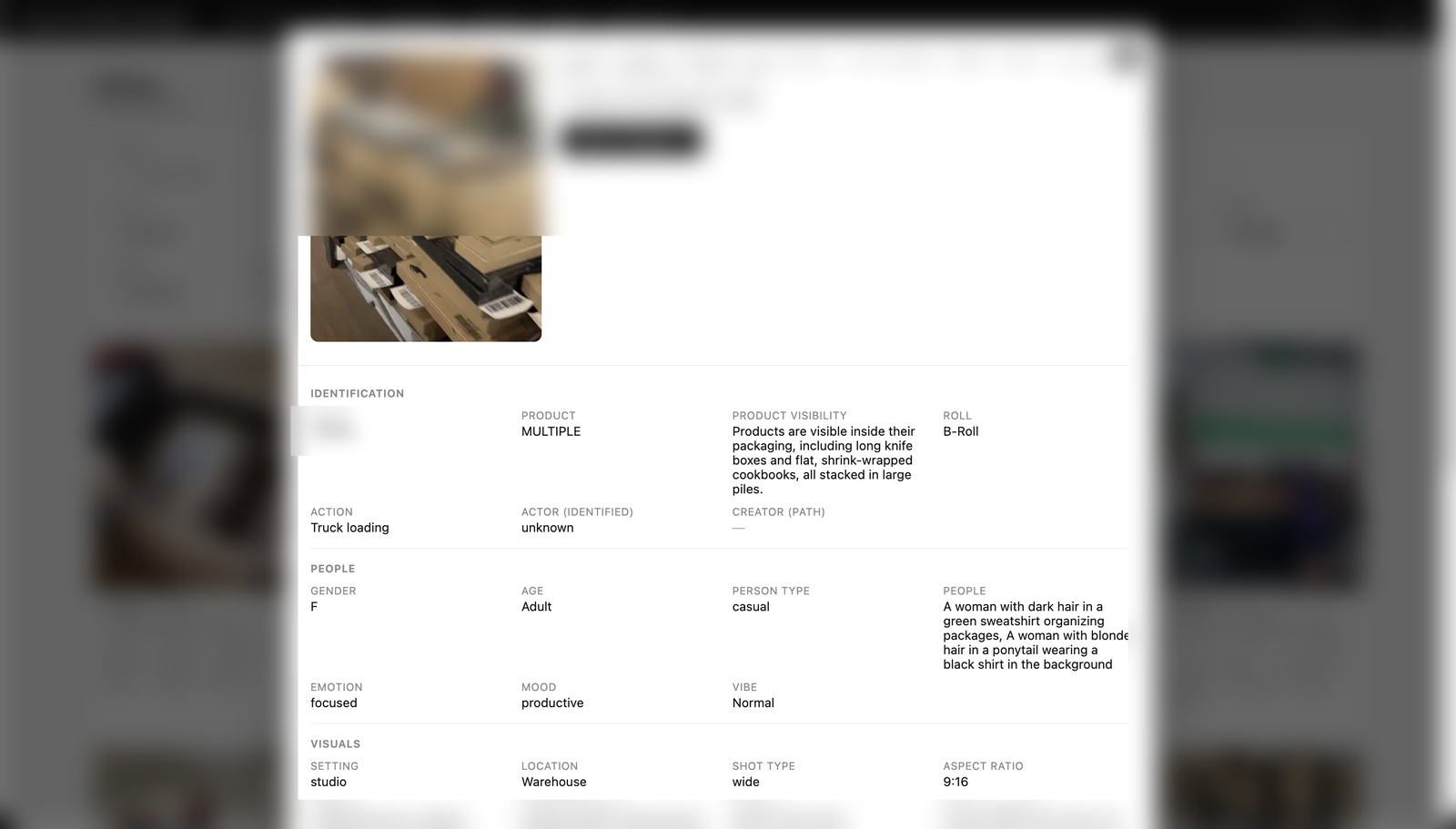 The tagging engine — scan a Dropbox folder, vision-tag and rename each clip
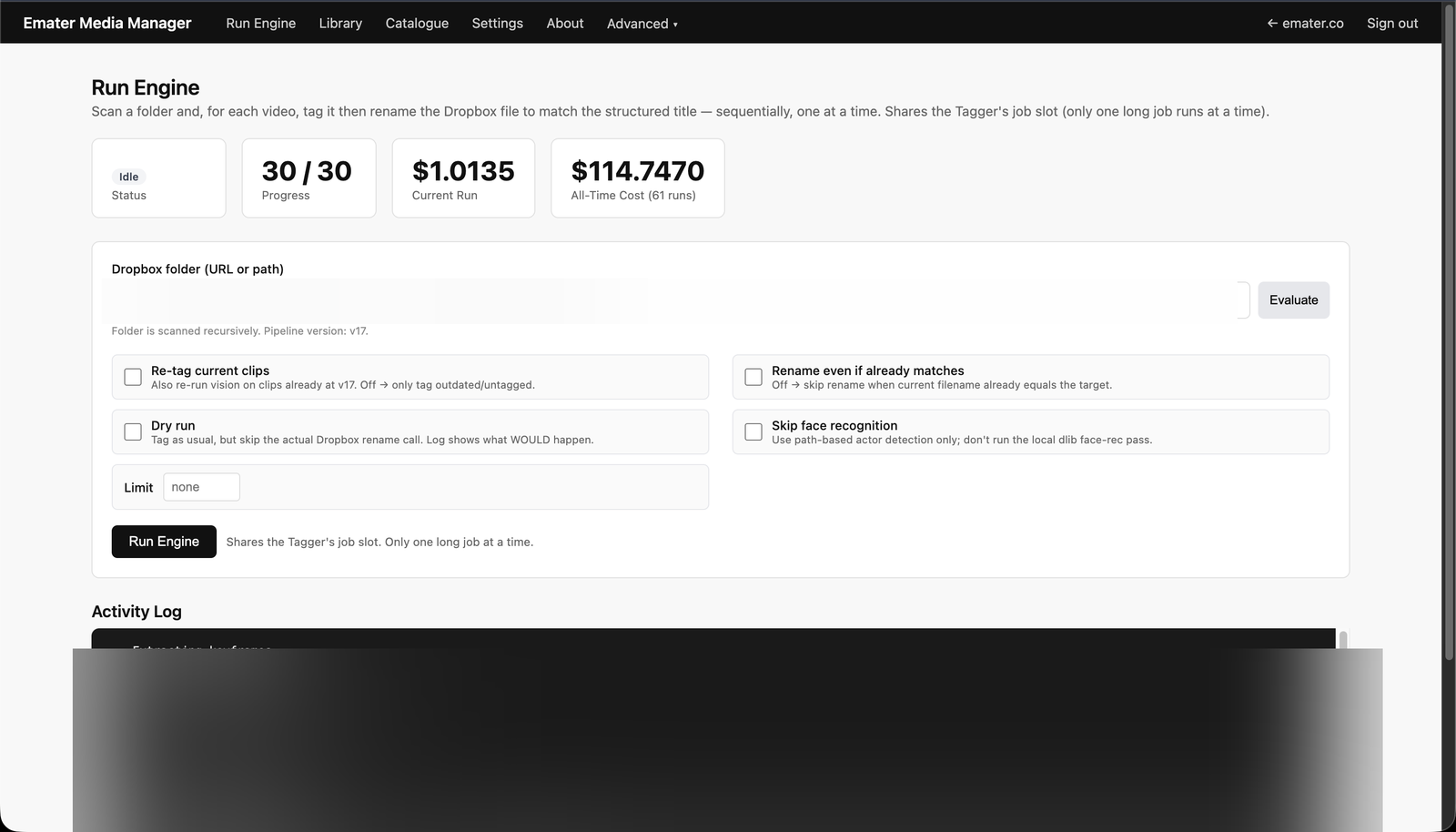 Admin — per-app access control across the team portal
 The team portal — a single-sign-on hub for the internal tools